

1. Installation
2. Code Example
Our search component is designed to be provider agnostic. In the code below we’re using Upstash Search - our solution for fast, reliable and highly scalable serverless search. Creating a search database takes less than a minute: get started here. To follow along with Upstash Search, install the package:Using a Readonly Token (recommended)
The token used in theSearch client above is a read-only token.
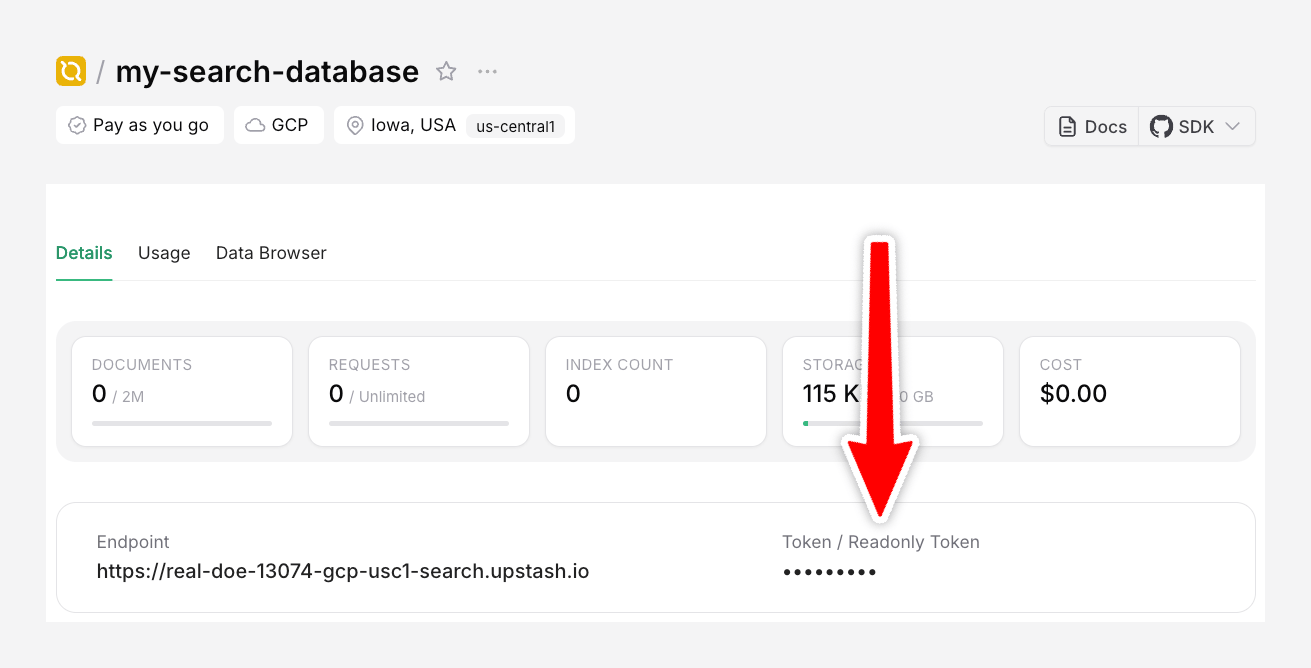
NEXT_PUBLIC_YOUR_READONLY_TOKEN in your .env file.
Optionally, you can also create a separate backend API to handle search on the server.
Handling Results
You can perform actions with the search results by using theonSelect prop on SearchBar.Item:
Customization
This component is beautifully pre-styled, but 100% customizable. You can change every piece of it yourself by passing normal React props to each component (such asclassName).
For example: If you wanted to change the primary color, change the CSS classes:
This component is based on the Radix UI Dialog Primitive and Paco Coursey’s cmdk library.